Learn 3200+ Colorful English Words on Colwords
Definitions, example sentences, pictures, audio pronunciation, and quizzes — free to use.
How to use Colwords in 12 steps:
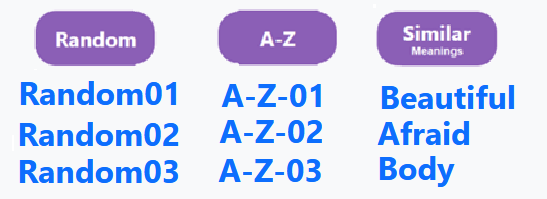
Whether or not you login, choose on the top-right one of the three ways the groups of words are organized: Random, A-Z, or Similar.
Then choose a group of words, such as Random01, A-Z-01, or Beautiful (there are usually 60 words in a group).

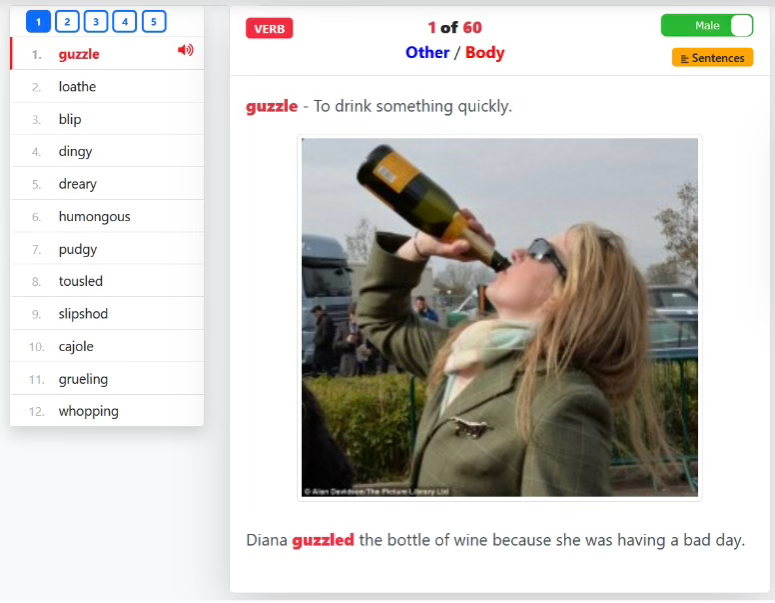
See the definitions, sentences, and pictures for the 60 words in the group that you chose.
For the group of 60 words, click on the 5 boxes on the top or bottom of the group to see each of the pages that shows 12 words.
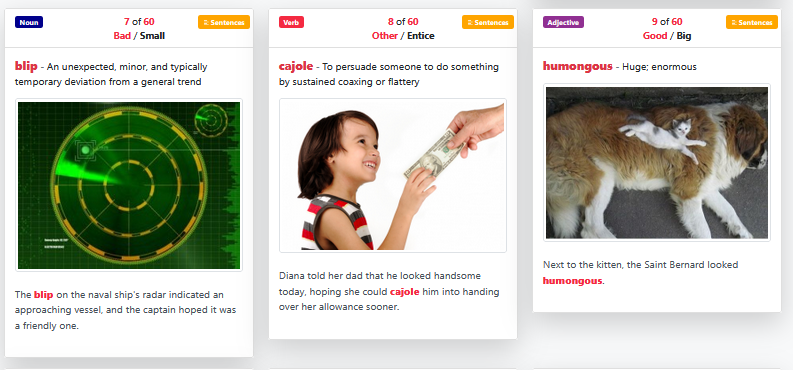
Click on the  button to see and hear paragraphs explaining the meaning of the word.

Click on the  button to show 20 sentences for a word.
Listen to the sentences by clicking on the White arrow button.
button to show 20 sentences for a word.
Listen to the sentences by clicking on the White arrow button.
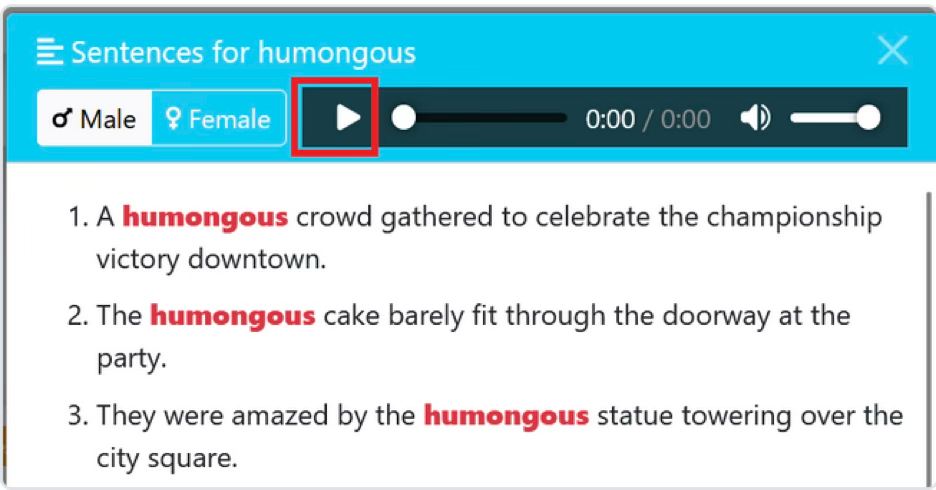
Listen to one or to the 12 words on the page by clicking on the
 button.
Toggle Male / Female voice.
button.
Toggle Male / Female voice.
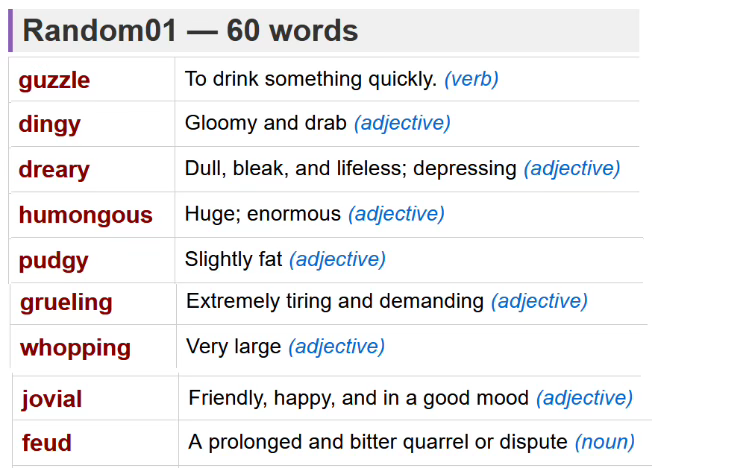
Click on  to list and print the words and definitions for the current group of words.
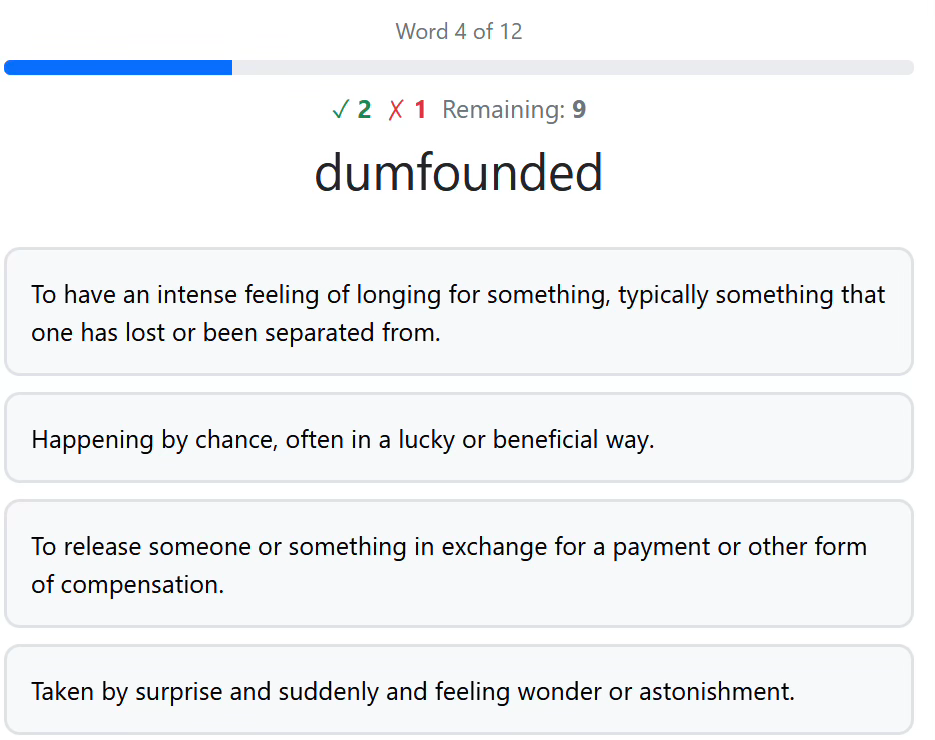
Take quizzes for 12 words at a time: click the
 button.
Lock vocabulary into long-term memory!
button.
Lock vocabulary into long-term memory!
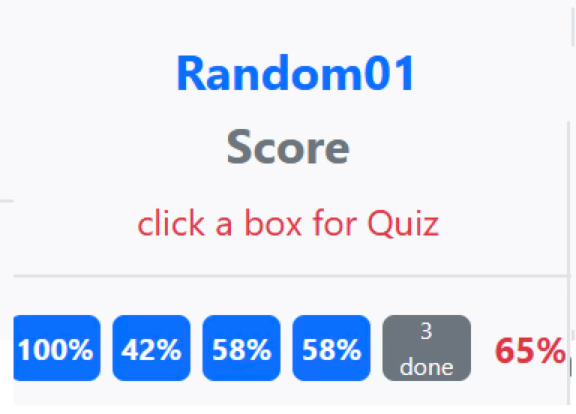
Keep track of your progress for the quizzes for each group of words. See your score per page and overall %.
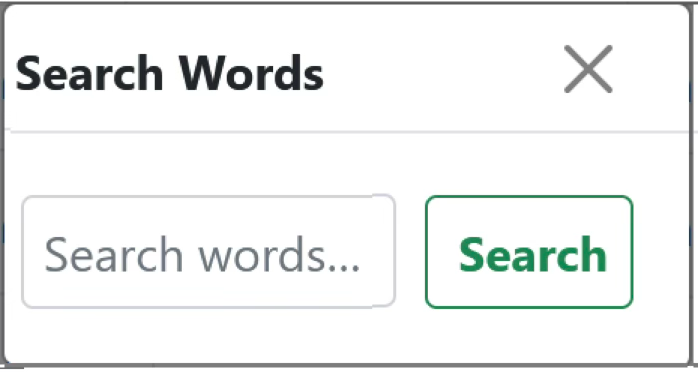
Search for words. Use the
 icon to open the Search Words and find any word instantly.
Watch the video about Colwords. Enjoy learning all 3200 colorful English words! Improve your English tremendously!
